Header Block
Header blocks are typically located at the top of web pages, providing a consistent navigable structure for your website. They often contain branding elements, navigation menus, and other essential links or information.
The Header Block Implementation is as follows. There are 12 types of header HTMLs. Each type of header block implementation is explained below once by one.
To start let’s see where the block is available and how to create and also know the property list of the header block.
Creating a Header Block
Steps to create a header block:
- Select header tab.
- Find the header section.
- Create a block inside header section.
- Choose Bootstrap: Header Block.
- Add all the required propertites.
Step 1
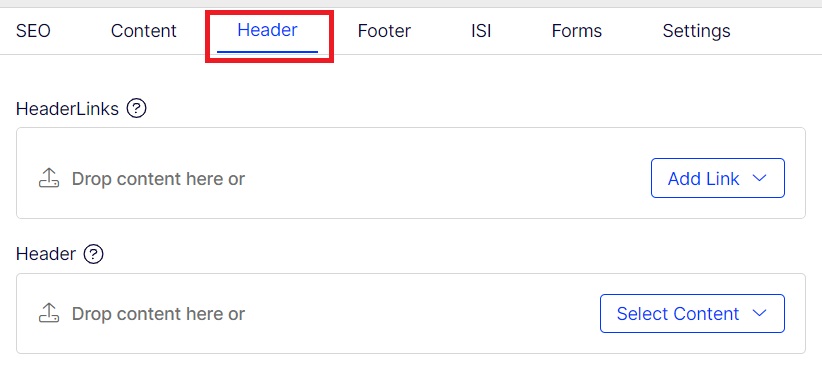
Step 2
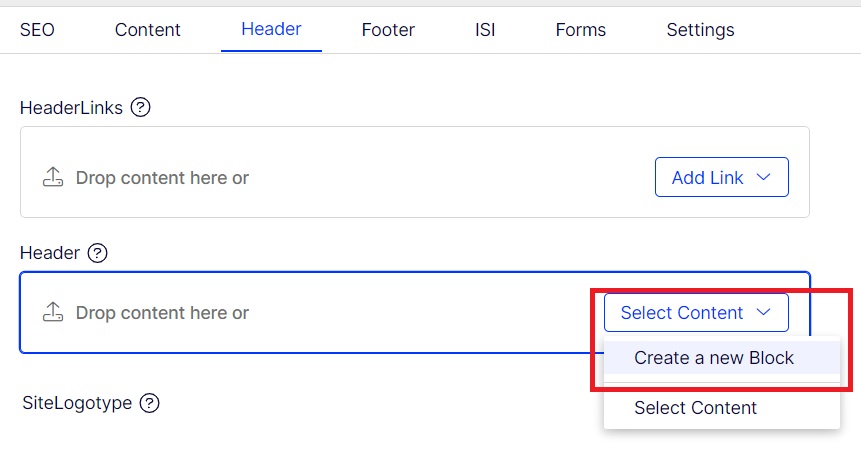
Step 3
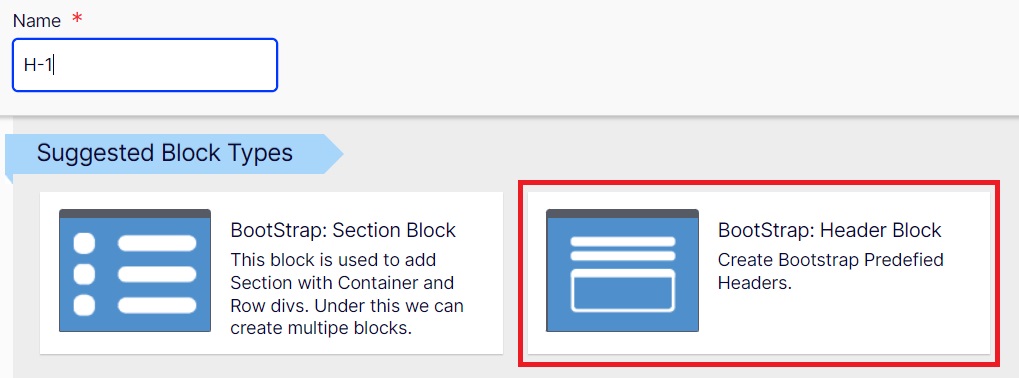
Step 4
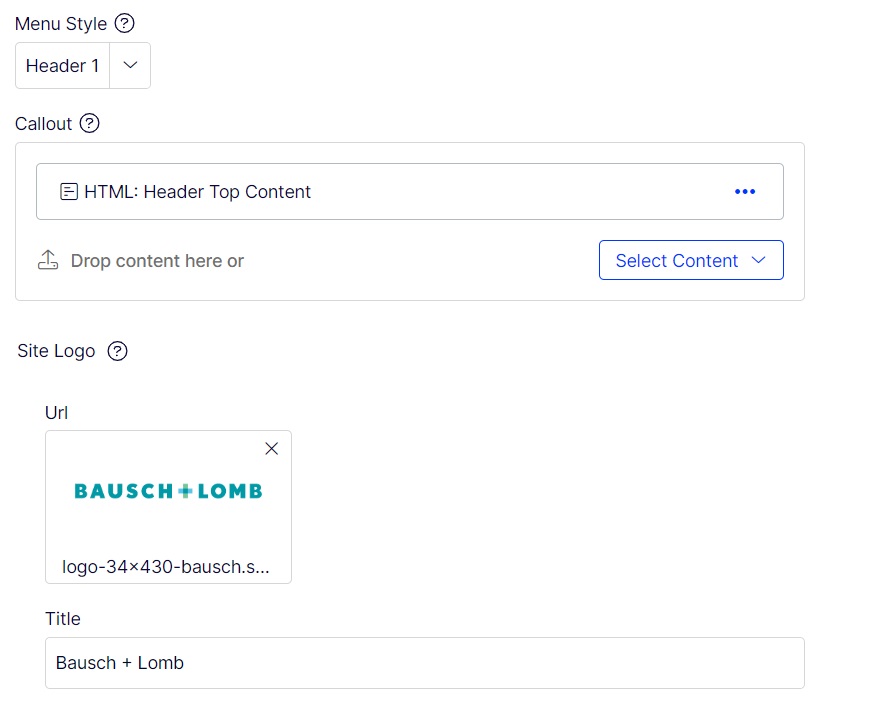
The Various properties are list below:
Menu Style:
This header style can be chosen based on the Types of headers type you want to implement based on template site. It has a list of 12 types.

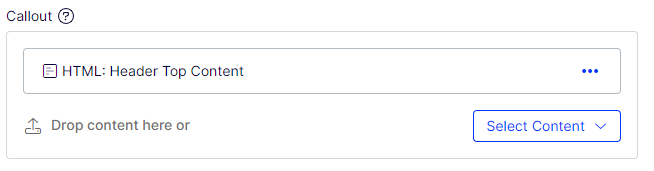
Call Out:
This property holds the html content for this header section. Mostly the contents are added using p tags, ul-li, div tags. Etc.
Site Logo:
The Site Logo has two parts.
- URL : where the logo is stored..
- Title: which is where the alt tag for the logo can be placed.

Header style 1

Required property:
| 1 | Menu Style | Header 1 |
| 2 | CallOut | Html content if any for this. In this case the contents above the menu. |
| 3 | Site Logo | Site logo and alt txt |
Header style 2

Required property:
| 1 | Menu Style | Header 2 |
| 2 | Site Logo | Site logo and alt txt |
Header style 3

Required property:
| 1 | Menu Style | Header 3 |
| 2 | Site Logo | Site logo and alt txt |
Header style 4

Required property:
| 1 | Menu Style | Header 4 |
| 2 | Site Logo | Site logo and alt txt |
Header style 5

Required property:
| 1 | Menu Style | Header 5 |
| 2 | CallOut | Html content if any for this. In this case the contents above the menu. |
| 3 | Site Logo | Site logo and alt txt |
Header style 6

Required property:
| 1 | Menu Style | Header 6 |
| 2 | CallOut | Html content if any for this. In this case the contents above the menu. |
| 3 | Site Logo | Site logo and alt txt |
Header style 7

Required property:
| 1 | Menu Style | Header 7 |
| 2 | CallOut | Html content if any for this. In this case the CTA link at the right side end of the menu. |
| 3 | Site Logo | Site logo and alt txt |
Header style 8

Required property:
| 1 | Menu Style | Header 8 |
| 2 | CallOut | Html content if any for this. In this case the contents above the menu. |
| 3 | Site Logo | Site logo and alt txt |
Header style 9

Required property:
| 1 | Menu Style | Header 9 |
| 2 | CallOut | Html content if any for this. In this case the contents left and right CTA button of the Logo. |
| 3 | Site Logo | Site logo and alt txt |
Header style 10

Required property:
| 1 | Menu Style | Header 10 |
| 2 | CallOut | Html content if any for this. In this case the contents comming right site the menu. |
| 3 | Site Logo | Site logo and alt txt |
Header style 11

Required property:
| 1 | Menu Style | Header 11 |
| 2 | CallOut | Html content if any for this. In this case the contents comming right site the menu. |
| 3 | Site Logo | Site logo and alt txt |
Header style 12

Required property:
| 1 | Menu Style | Header 12 |
| 2 | CallOut | Html content if any for this. In this case the contents above the menu. |
| 3 | Site Logo | Site logo and alt txt |
